

The hard part of starting a budget is not the app, it is the idea that it will take an afternoon. Almost everyone puts it off for that reason, and almost everyone is wrong: what really takes work is maintaining a budget full of categories nobody asked for. Building one that already answers something takes ten minutes.
Ten minutes is enough because the order does the work. First what comes in, then what already has a date and an amount, then five categories with one limit each. From there the app knows enough to tell you the thing worth knowing every day, which is not how much you have spent, it is how much you can still spend.
What follows is that sequence, in the order that works.
What do you need to hand before starting a household budget?
Three things, and they all fit on a phone.
You need to know how much comes in each month, to have the bills you always pay to hand, rent or mortgage, electricity, water, internet, insurance, and to have some idea of what you usually spend on groceries. It does not have to be exact. An approximate number today is worth more than a perfect number in three weeks, because the approximate one corrects itself after the first month and the perfect one never arrives.
What you do not need is your bank statement, old receipts, or any decision about saving. None of that belongs in the first ten minutes.

Minutes 1 to 3: what comes into the household budget
Open Income and write down what you earn this month.
If you always receive the same amount, that is one line and you are done. If it comes from different places, write each one separately rather than adding them up in your head: in two months you will want to know which one changed, and a total will not tell you that.
If your income varies every month, freelance work, commission, tips, use the lowest of the recent months rather than the average. A budget built on the average is wrong in half the months, and it is wrong precisely in the bad ones, which are the months where being right matters.
Minutes 3 to 6: bills with a date go into the budget app
In Expenses, write the fixed bills with the day they leave.
This is the part that changes the result most, and it is the part spreadsheets do worst. A bill that leaves on the 28th is not money available on the 5th, even though it sits in the account all month. By giving it a date, the app stops counting it as available, and the number it shows you becomes a number you can decide against.
There is one detail worth understanding straight away, because it is where the numbers usually go wrong twice over: a fixed bill only counts as spent once it is paid. Mark it as paid, or turn on automatic payment if it is a direct debit, and do not enter it again as an expense. If you enter it twice, the month carries that cost twice, and afterwards nobody can work out why.
Minutes 6 to 9: five household budget categories, not twenty
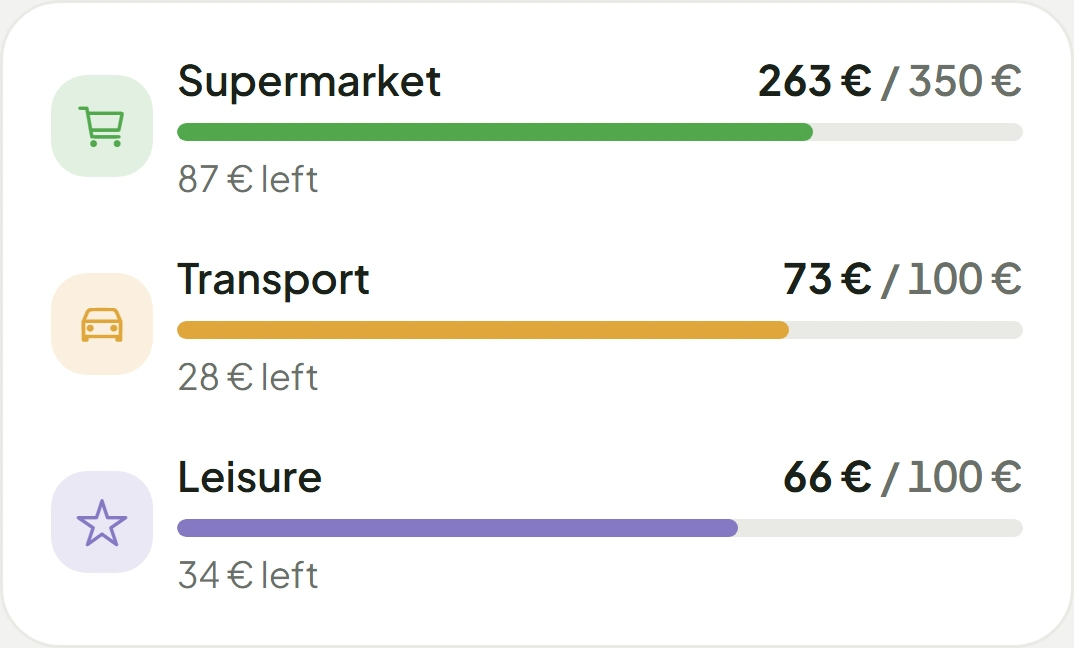
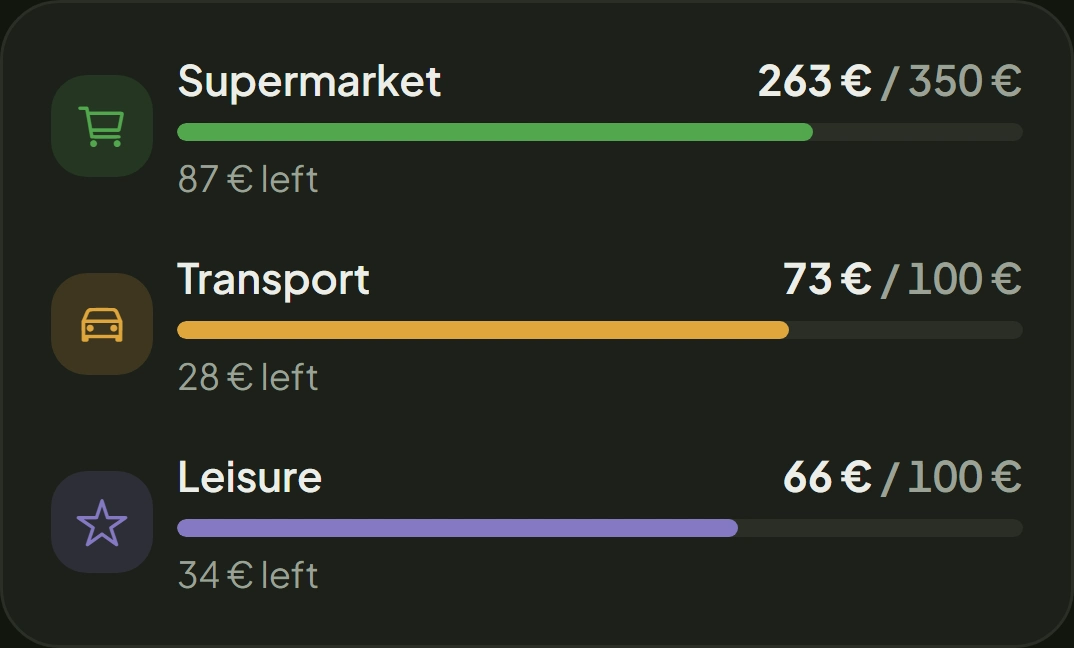
In More, open Categories and pick five. Give each one a monthly limit.
Five is a considered number, not a shortcut. With twenty categories, every purchase needs a decision, some fit in two, and the sorting ends up being done at random. A budget with twenty badly filled categories says less than one with five filled properly.
The five that almost always earn their place are groceries, transport, home, health, and one for everything else. The limits do not have to be right today. What they do in the first month is give you a reference for seeing where you were wrong, and that is what they are for.
Minutes 9 to 10: the budget app number you will actually check
Go back to the Summary. Everything the previous nine minutes built is there.
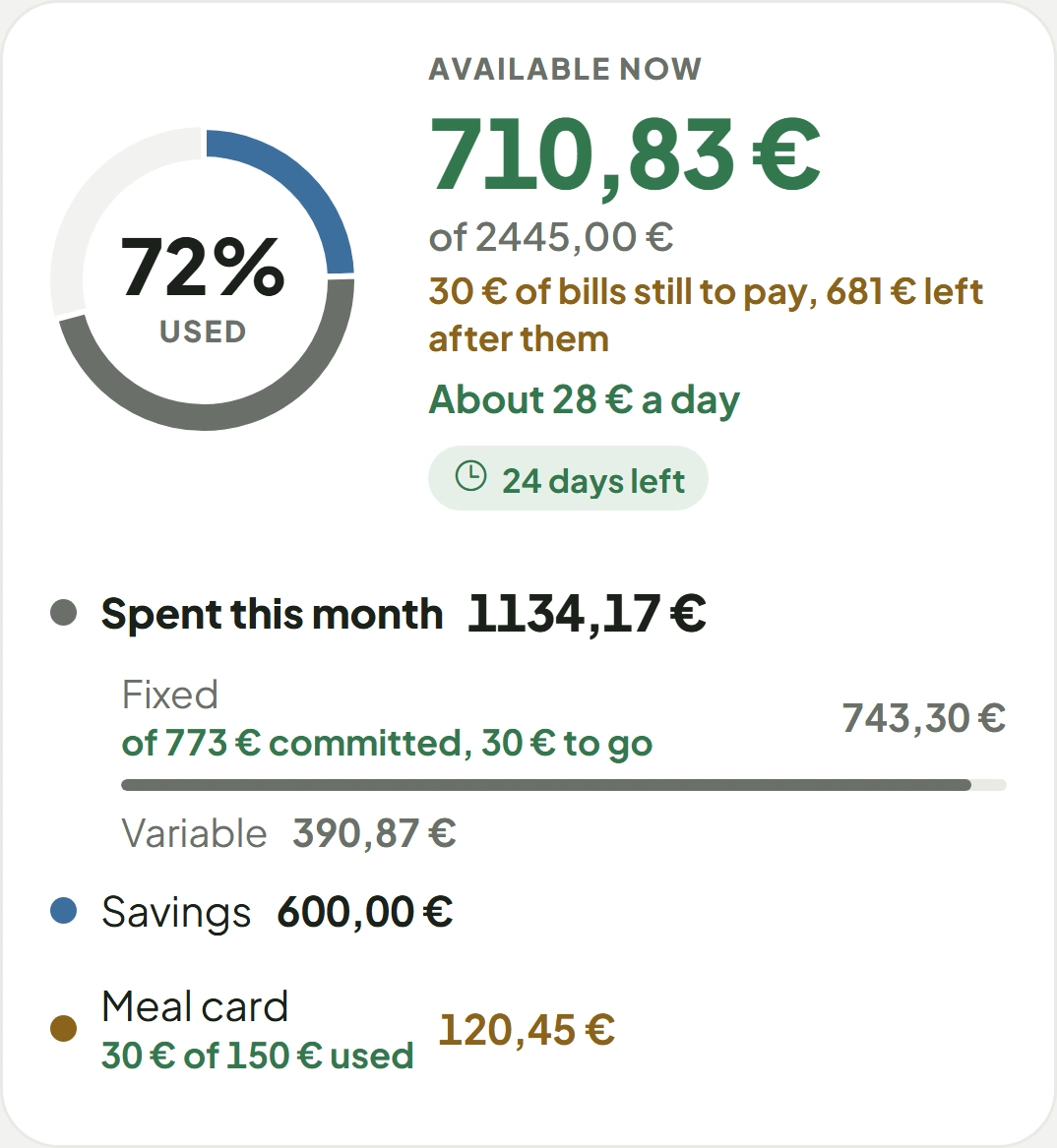
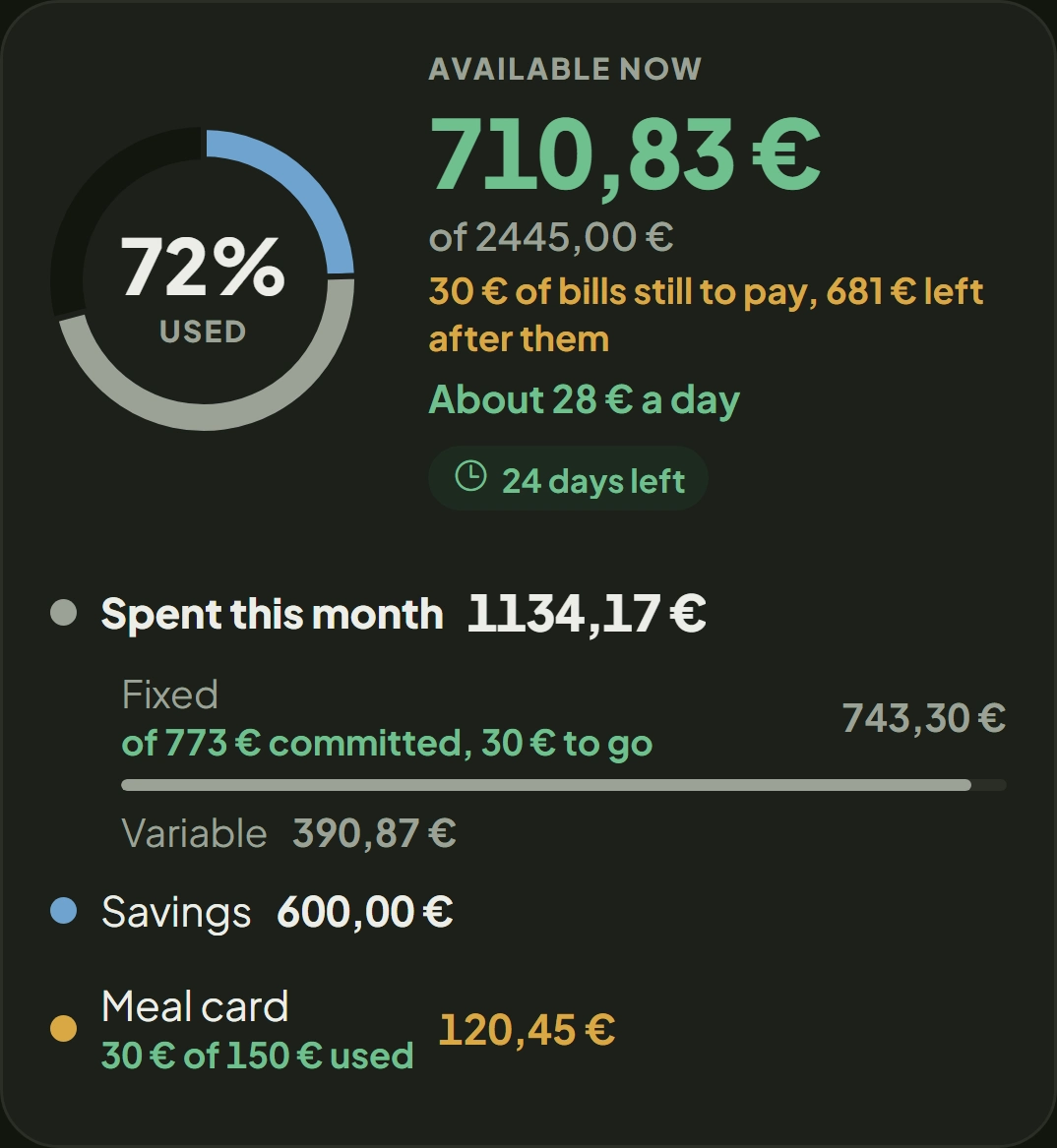
The Summary answers available now first, which is what came in minus what has gone minus what is promised to bills with a date. It is the number you make a mid-month decision against, and it is different from the bank balance nearly always.
Below that it shows how much is left per day until the end of the month, how many days are left, and how the month divides between fixed bills, variable spending and saving. If you would rather look at one thing only, look at the available figure. The rest is the why.
What if the household budget is shared by a couple?
The budget belongs to the household, and both people see exactly the same thing.
This is what Mayora exists for, so it is worth being clear about what it means: there is no his version and her version. An expense entered by one appears to the other, with the same amount, in the same category, at the same moment. Two people looking at the same list cannot arrive at two different numbers, and that settles by itself the commonest argument in shared accounts, which is somebody having counted the same purchase twice.
The splitting rule, down the middle or in proportion to what each earns, is a separate conversation and it is written up in splitting household costs.
What not to do in your first ten minutes with a budget app
Four things, and they are all the same thing: putting it off through excess of rigour.
- Do not go and fetch the last six months of statements. That is an hour of work producing a budget identical to the one you produce off the top of your head in three minutes. Do it later, if it turns out to be needed.
- Do not create a category because of something that happened once. Categories should come from a question you have, not from a wish to tidy.
- Do not try to get the limits right first time. You will be wrong, and that is good: it is how you find out what you actually spend.
- Do not set up savings goals today. A goal set before you know what is left over is a wish, not a plan.
Where to start your household budget, today
Three steps and a clock.
- Write down what comes in. One line per source, and the lowest figure if your income varies.
- Write down the bills with dates. It is what separates the balance from what is available, and it is most of the gain.
- Five categories with one limit each. Wrong is fine. Twenty is not.
At the end of the first month you have something you did not have today: your own numbers instead of estimates. That is when you adjust the limits, and that is when this starts to be genuinely worth it. The first month nearly always goes well; what makes a budget useful is surviving the second, and we wrote about that here, with the three drawers that usually go missing.
We keep a page of frequently asked questions about budgeting and everyday money, with a short answer to each one and the full piece one click away. If you want to see it, it is here: frequently asked questions.
This is educational writing. It is not financial advice or an investment recommendation; for advice on products, speak to a professional registered with the CMVM.